Step 7 of 19 · Areas of interest · 2 of 4 · screen 1 of 3
Areas of interest: open a second Cell
The gesture
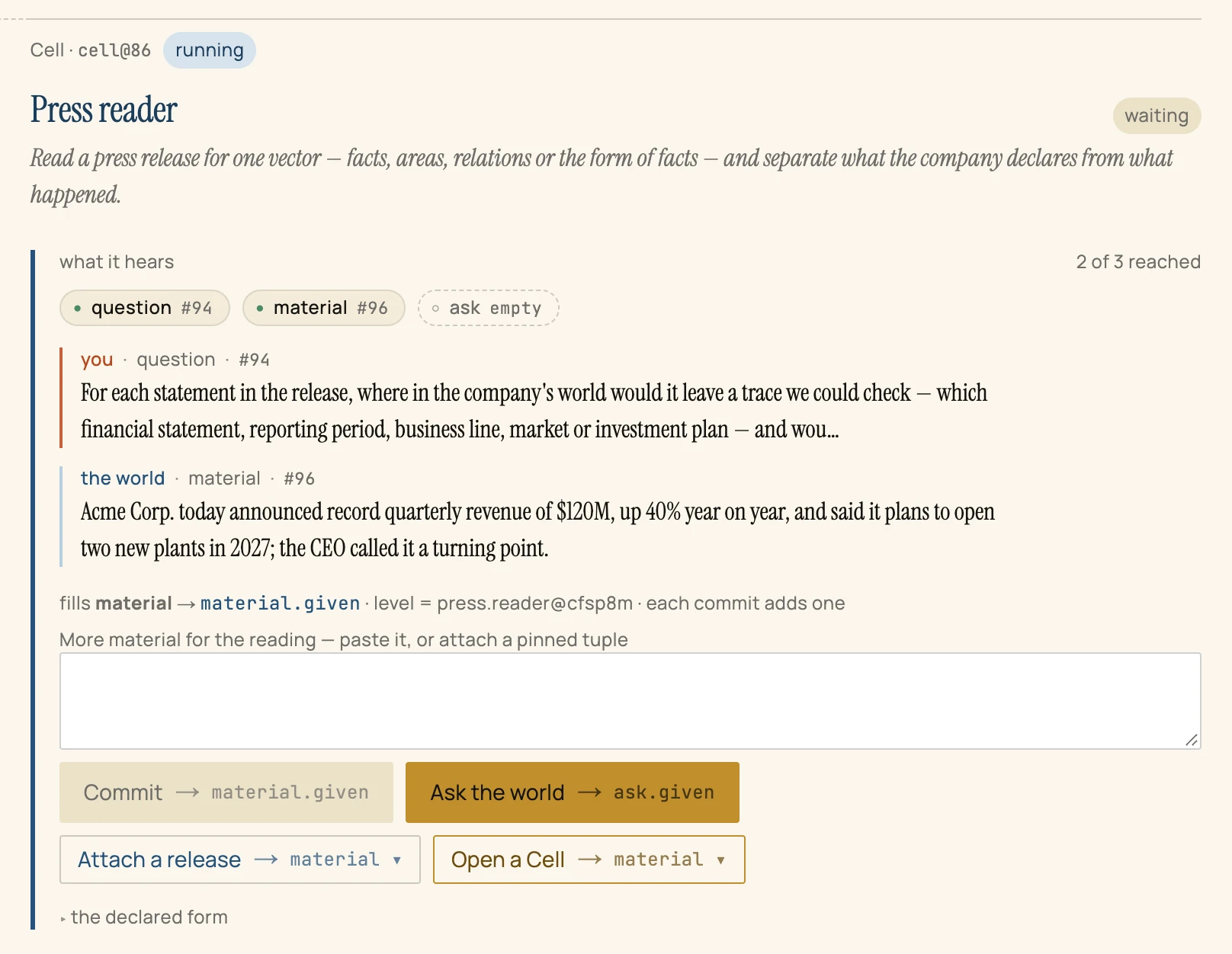
Press Open a Cell → findings, choose Press reader, and press Open the Cell.
So far
Step 6 reached: One record, #65: the second question. Two of the programme's four lines now have their question; one has its answer.
Why now
One Cell, one job. The first Cell is sealed and cannot be asked again; a new question gets a new fence — its own charter carrying this question, its own admission, its own budget. Opening Cells is cheap, and that is what lets each line of the study stand or fall alone.
What it reached
32 records: a second charter (#80), a second Cell seeded and opened (#86, #87), its return declared (#93), the question and the release placed inside (#94, #96), the Cell pinned (#97). The sheet holds two blocks: one sealed, one running.