Step 2 of 19 · Facts of interest · 1 of 4 · screen 1 of 3
Facts of interest: ask your first question
The gesture
Type your question into Which facts interest us? and press Commit.
So far
Step 1 reached: 17 records: your sentence (intent.given, #2), the programme chosen for it and why (#6), and the programme's five figures laid out and waiting — four questions and a report.
Why now
The programme does not read the release on its own initiative. It reads along four lines of questioning — it calls them vectors — and each begins with a question in your words. The first asks which facts matter; the other three build on it.
What it reached
One record, #17: your question, in your words. The card shows 1 of 2 reached — the question is in, the findings that will answer it are not.
Frame · Focus · as of offset 18 · just after the gesture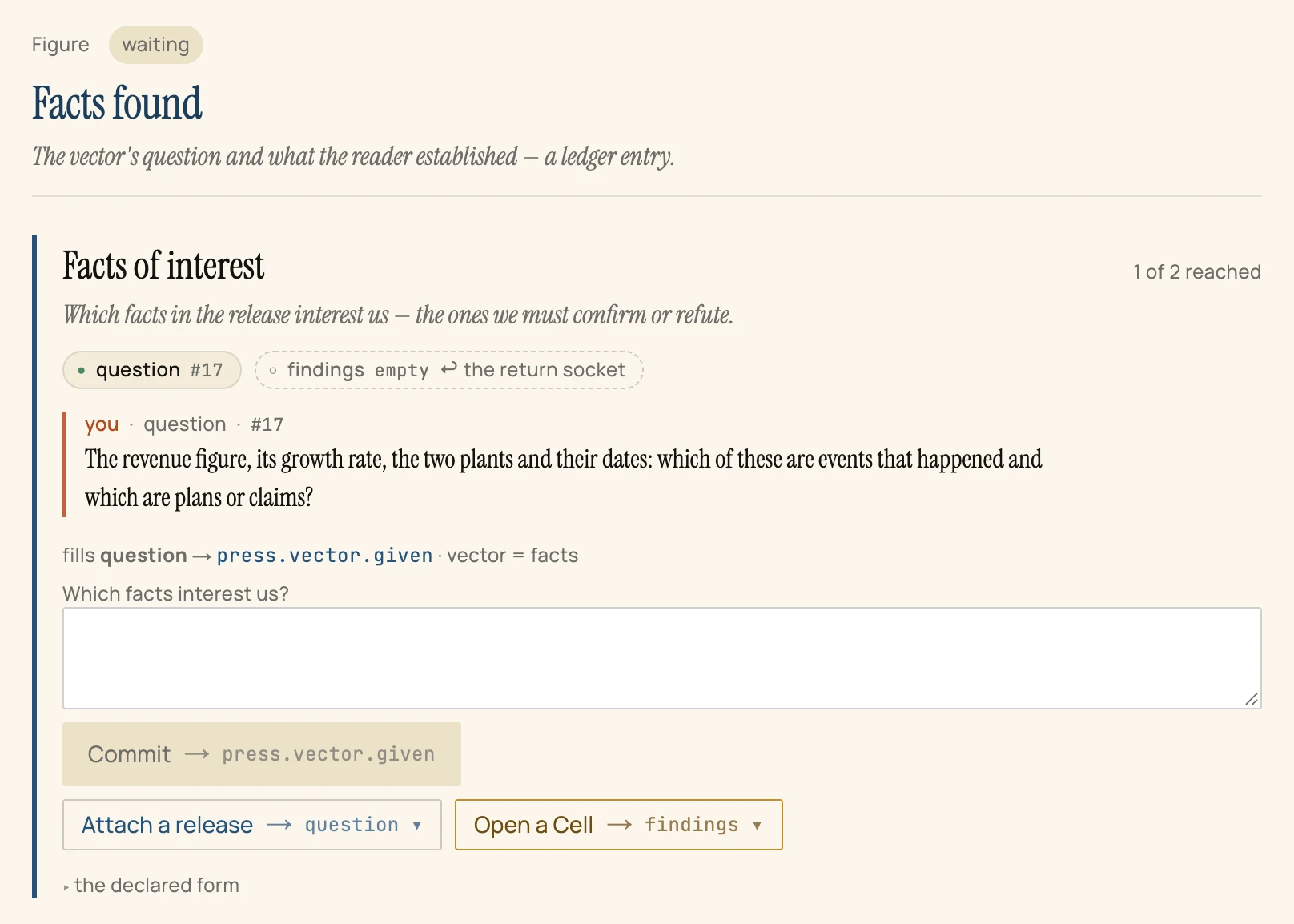
question #17— the slot is filled, and says by which record. Click-through numbers like this one are how the surface shows its sources.findings· the return socket — an empty slot that will accept one kind of record only: accepted findings made for this question.- you · question · #17 — the surface always says who wrote a record: you, the machine or the world.
- Open a Cell → findings — the next gesture. It is offered on the empty slot, because a Cell is how that slot gets filled.