Step 6 of 19 · Areas of interest · 1 of 4 · screen 1 of 3
Areas of interest: ask where to look
The gesture
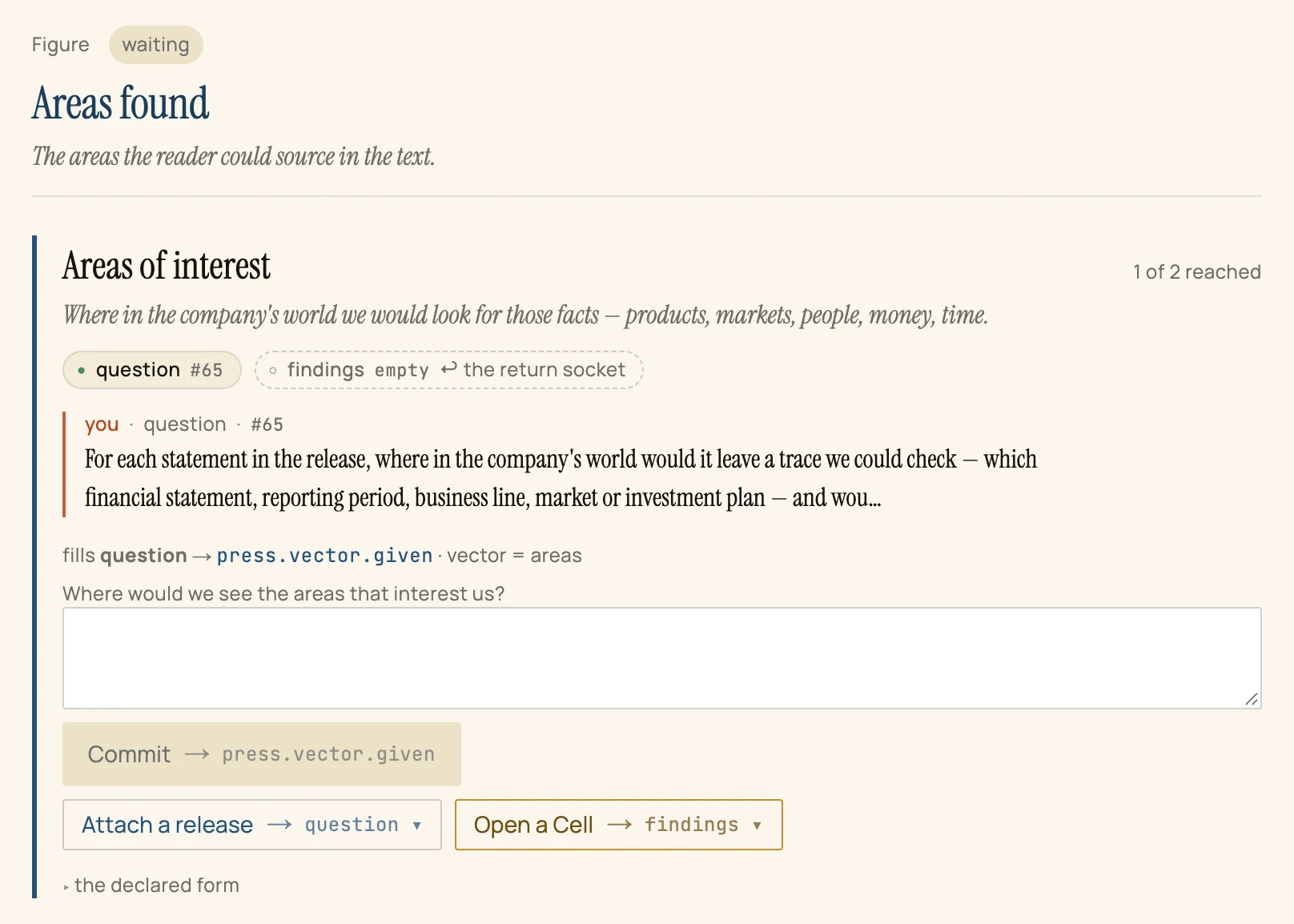
Select Areas found, type your question into its card and press Commit.
So far
Facts of interest reached: A ledger of 4 claims — 2 that happened, 2 only declared — accepted by you and published as press.facts.found, #64.
Why now
A claim is only as good as the place where it can be checked. Having separated events from plans, the study now asks where each would leave a trace — before anyone goes looking. The gesture is the same as the first question's; only the vector differs.
What it reached
One record, #65: the second question. Two of the programme's four lines now have their question; one has its answer.
Frame · Focus · as of offset 66 · just after the gesture