Step 1 of 19 · The front door · screen 1 of 4
The front door: say what you came to do
The gesture
Paste the press release into What do you want to do? and press Begin.
So far
Nothing yet. This is where the study begins: you have one sentence of a press release, and a machine you have not used before.
Why now
A study starts from material, not from a menu. The machine reads what you brought, chooses the programme that fits it — here press-release — and lays out that programme's figures. The choice is recorded together with its reason, so you can always see why you are where you are.
What it reached
17 records: your sentence (intent.given, #2), the programme chosen for it and why (#6), and the programme's five figures laid out and waiting — four questions and a report.
Frame · before the first record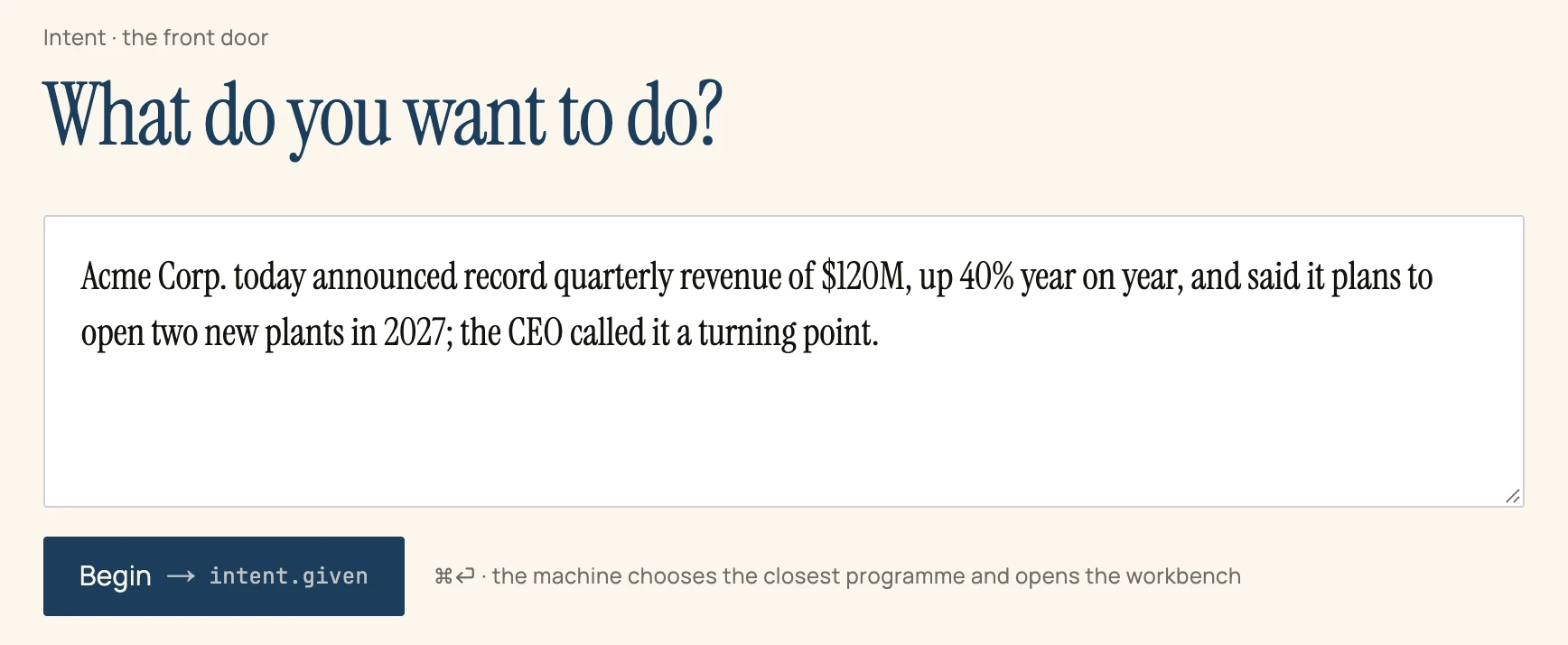
intent.given.- The field takes anything: a question to study, a text to read closely, a claim to check. Here it takes one sentence of a press release.
- Begin →
intent.given. Every button of the surface names the record it will write. You never press something whose effect is hidden.